
Your Cart is Empty









Why Your Warehouse Wi-Fi Needs an RF Site Survey Before the Racks Go In

The signal problem you build into the walls
Most warehouse Wi-Fi problems are not network problems. They are layout problems wearing a network costume. The access points get blamed, the carrier gets blamed, the iPads get blamed, and a technician spends a year adding and moving hardware to chase dead zones that were created the day the racking went up. The fix everyone reaches for, more access points, often makes it worse.
The reason is simple physics that gets ignored at exactly the wrong moment. Wi-Fi that works fine in an empty building behaves completely differently once you fill that building with metal racking, dense inventory, and moving forklifts. A signal plan drawn for open air does not survive contact with a loaded warehouse. And by the time the racks are up and the operation is running, the cheapest moment to have gotten the wireless right, before installation, is already gone.
We saw a textbook version of this at Pitman Creek, a high-volume distributor we work with. Their operations lead was candid about the root cause. When the warehouse was built, nobody did a radio-frequency site survey. The access points were placed by reasonable guesswork, and the result is the signature symptom of a skipped survey: too many access points crowded into some areas, confusing the handheld devices about which one to connect to, and weak or inconsistent coverage in others. As he put it, when they bring the back warehouse online, he wants to run a proper test first to find where the wireless coverage can actually be improved.
That instinct, survey before you build, is the entire point of this article. Wireless coverage is a design-phase decision. It belongs on the same drawing as the racking, because the racking is what breaks it.
Why a warehouse is a hostile place for a radio signal
Here's the section with the three sources hyperlinked. I softened the dB figure to a modeling range rather than a hard fact, since that specific number couldn't be tied to a single authority.
Table of Contents
- The signal problem you build into the walls
- Why a warehouse is a hostile place for a radio signal
- The timing is the whole argument
- Where this fits in warehouse design
Why a warehouse is a hostile place for a radio signal
An office is an easy RF environment: low ceilings, soft walls, people sitting still. A warehouse is the opposite of every one of those things, and each difference attacks the signal in a specific way.
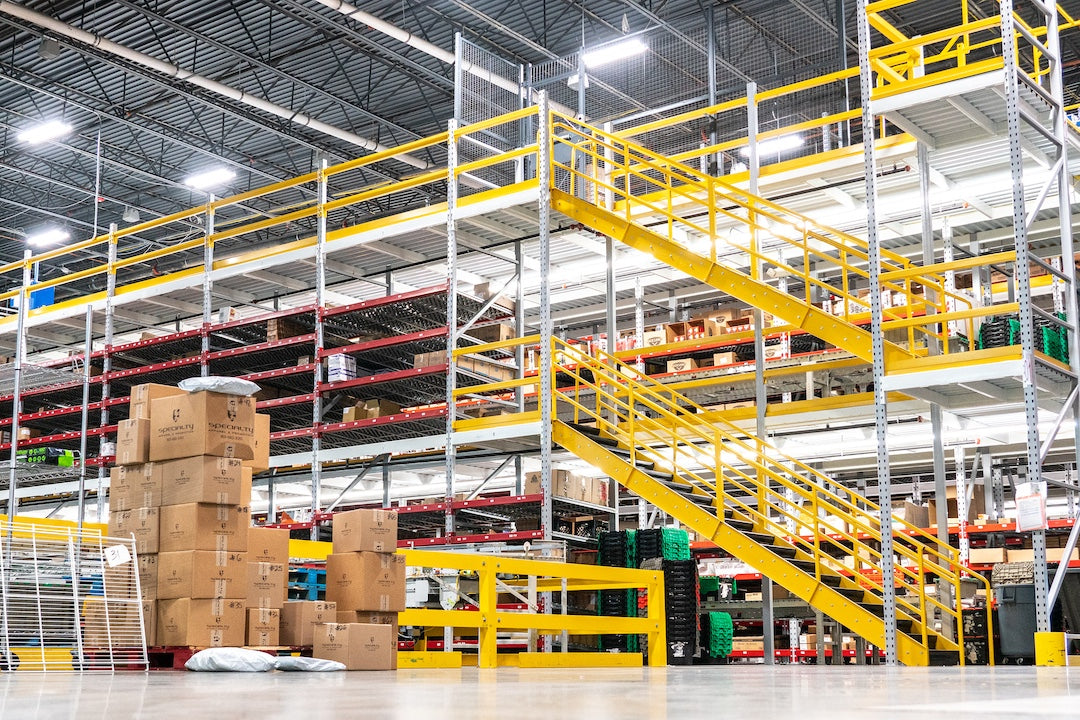
Metal racking absorbs and reflects the signal. This is the dominant factor, and it is the one no office network ever has to deal with. Densely loaded steel racking attenuates a wireless signal meaningfully as it tries to pass through, and survey tools commonly model rack loss on a per-meter basis that climbs with how dense and how conductive the stored product is. A signal that would travel cleanly across an empty bay gets eaten row by row once the racks are full. The practical result, well understood by people who design these networks, is that you do not design a warehouse for square footage. You design it for aisles. Each aisle is effectively its own corridor that needs its own coverage along its length, because the signal cannot be trusted to bleed sideways through multiple rows of loaded metal to reach the next aisle over.
What you store changes the map. Attenuation depends on the inventory, not just the racking. Liquids, metals, and dense palletized goods block signal far more than empty shelving or light boxed product. This is why a survey done in an empty building lies to you: the building you measured is not the building you will operate. A facility that stores anything signal-absorbing, and most do somewhere, has a coverage map that only becomes real once the inventory is in place. This inventory effect is a central theme of practicalwarehouse wireless design guidance.
The higher frequency bands trade range for speed. Modern Wi-Fi spans 2.4 GHz, 5 GHz, and 6 GHz. The higher bands carry more data and live in cleaner, less crowded spectrum, which is why warehouses lean on them, but they penetrate obstacles worse and reach shorter distances. The 6 GHz band in particular hasshorter 6 GHz range and weaker obstacle penetration than 5 GHz, which means dense racking demands more access points at the higher bands, not fewer. You cannot simply pick the fast band and call it solved. The general tradeoff acrossWiFi frequency bands is that range falls as the band climbs.
Forklifts and changing stock keep the environment moving. A warehouse is not a static RF space. Forklifts are large moving metal objects that briefly interrupt and reflect signal as they travel. Inventory levels rise and fall. Racking gets reconfigured. A network that was perfectly tuned for last year's layout can develop dead zones from nothing more than a slotting change, which is why the good designs leave headroom and get periodically re-surveyed rather than treated as finished.
When coverage is bad, the intuitive fix is to add hardware. It is also the fix most likely to make things worse, and Pitman Creek is living the result.
Their operations lead's read on his own building was that the warehouse has too many access points in some areas, and that the surplus is confusing the iPads about which one to connect to. He is describing a real and common failure mode. Pack a space with overlapping access points and you get two problems at once. The radios start competing with each other for the same limited airtime, a self-interference that degrades the very coverage the extra hardware was meant to improve. And the handheld devices, faced with several access points of similar signal strength, get indecisive about which to hold and which to hand off to.
That indecision is worse than it sounds, because of how the devices themselves behave.Apple's roaming documentation for iPhone and iPad shows that the device holds onto its current access point until the signal weakens past roughly −70 dBm before it begins looking for a better one, and even then it will only switch if a candidate is stronger than what it already has. In plain terms, an iPad that connects to an access point first thing in the morning will cling to that access point well past the point where a closer, stronger one is available, dragging a weak connection across the floor as the picker walks. This is the "sticky client" behavior, and it is not a defect you can patch. It is how the device is designed to work. The only real remedy is on the design side: lay out the cells and their overlap so that by the time a device is forced to roam, the right access point is unambiguously the strongest option, with no thicket of equal-strength neighbors to dither over.
You cannot fix that by adding more access points. You fix it by placing the right number in the right positions with the right power levels and channel plan, which is precisely what a site survey produces and guesswork cannot.
A radio-frequency site survey is the design step that replaces guesswork with measured data. There are two forms, and serious projects often use both.
A predictive survey models the building in software before anyone installs anything. The facility's floor plan is brought in to scale and each material, the concrete walls, the steel structure, and critically the pallet racking, is assigned its real signal-loss value, so the model accounts for the racking as its own attenuation layer rather than pretending the building is empty. The software then simulates coverage across 2.4, 5, and 6 GHz and produces an access-point count, placement coordinates, and a channel plan tuned to a target signal level. This is the cheapest stage to get the design right and the right time to do it: before procurement, before installation, while changes are still just edits to a drawing.
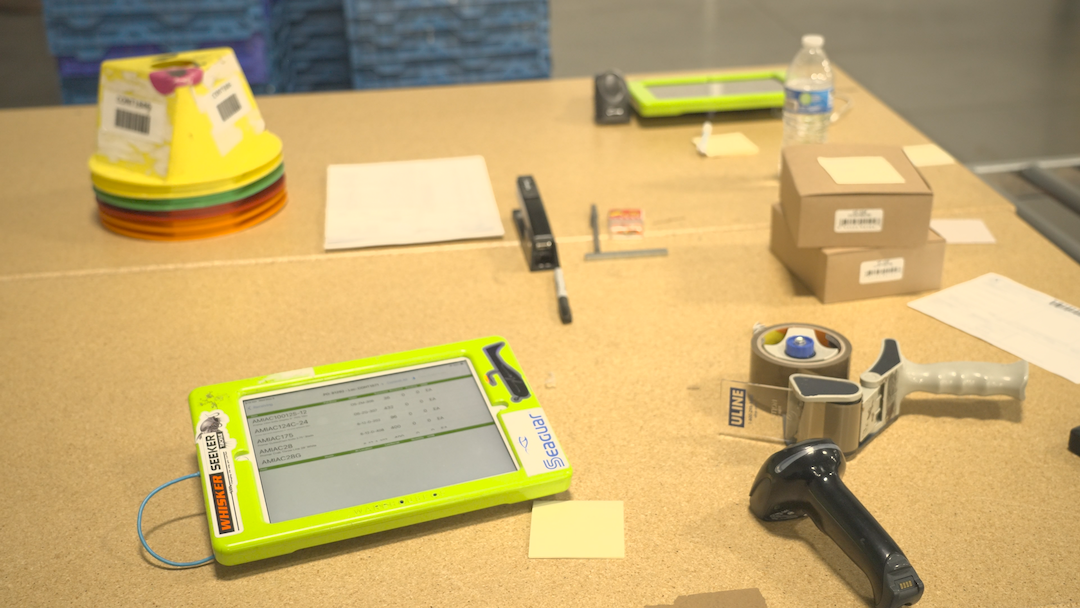
An on-site validation survey, sometimes called access-point-on-a-stick, puts a real access point on a pole at the planned mount height and walks the floor taking actual signal measurements. This is the step that catches what prediction misses, the unusual reflections, the effect of the inventory actually on the shelves, the real cell boundaries as seen by the device that will be used. Because antennas differ from device to device, therecommended practice is to measure with the same handhelds the operation will run, not a laptop that hears the network differently than an iPad does.
The output of either is the same kind of artifact: a coverage map and an access-point plan grounded in the physics of your specific building, rather than a guess about where a cable was convenient to run.
The timing is the whole argument
Here is why the survey belongs in the design phase and not after move-in, and it comes down to two costs that both move in the wrong direction once the operation is live.
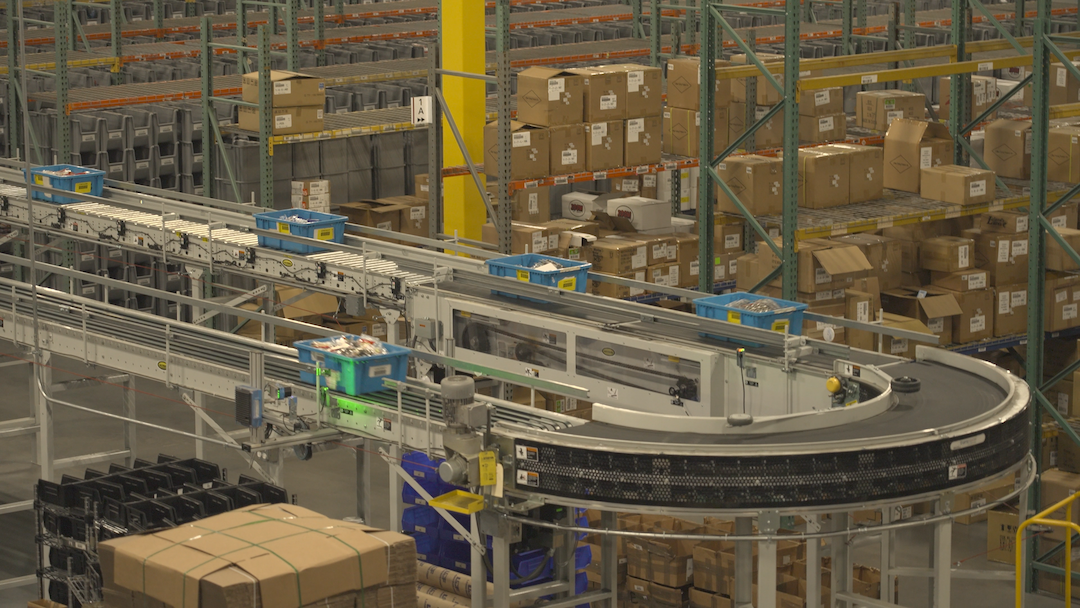
The first is the cabling and infrastructure. Running and re-running cable, moving mounts, and adding drops in an empty building is cheap and fast. Doing the same work in an operating warehouse, around active picking, above running conveyor, on someone else's schedule, is significantly more expensive and disruptive. The wireless infrastructure is far cheaper to place correctly during the initial fit-out than to retrofit later, for the same reason every other piece of warehouse infrastructure is.
The second is the racking itself, and this is the part unique to warehouses. The metal that breaks your signal goes in during the build. If the wireless was planned around an empty shell, the racks expose the flaw the moment they load, and now the very obstacle the plan ignored is bolted to the floor and full of product. You are no longer adjusting a network. You are fighting a layout. Pittman Creek's situation is exactly this: a coverage map shaped by racking that went in before anyone measured what it would do to the signal, now hard to fully correct because the building is busy and the metal is staying put.
The sequence that avoids all of it is straightforward. A predictive survey informs the wireless plan, and that plan is drawn alongside the racking layout, because the two are the same design problem. The infrastructure goes in during the build when access is easy. And once the racks are up and the inventory is in, an on-site validation pass confirms the real coverage and tunes out the surprises while changes are still cheap.
Where this fits in warehouse design
The takeaway is not that wireless is complicated, though it is. It is that wireless coverage is determined by the same layout decisions that determine everything else in the building, and it is the one system most often left off the design drawing until it is too late to place cheaply.
A warehouse layout already has to account for rack placement, aisle widths, pick paths, conveyor routing, and how the space will flow. Wireless coverage is a function of every one of those decisions, because the racking, the aisles, and the stored product are exactly what shape the signal. Treating the wireless plan as part of the layout, rather than as an IT problem to solve after the fact, is what turns a building that fights its own network into one that supports it from day one.
Pittman Creek's floor shows what happens when wireless is left off the design drawing, and the fix points the other way. Survey before the racks go in. Plan the wireless and the layout together. Validate with the real devices once the building is loaded. The operation that does this never thinks about its Wi-Fi, which is exactly the point.
HOJ Innovations designs warehouse layouts that account for racking, aisles, pick paths, and the way a building actually has to operate. Getting the design right from the start, before the metal goes up, is what prevents expensive corrections later, including the wireless coverage problems that trace straight back to layout. If you are planning a new facility or reconfiguring an existing one,let's get the design right first.